


Path A
Pay with RedFace Pay
Log the work order, then pay on RedFace Pay.
Continue to payRF-NFC · 13.56 MHz
We brand the card, write the record, and deliver it. A phone taps. The screen opens.
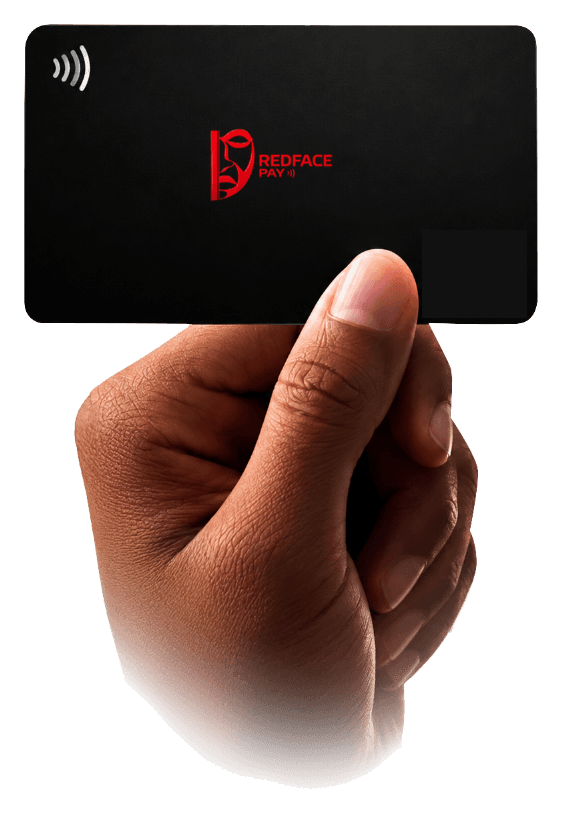
FIG 01 · REDFACE PAY FACE · PASSIVE NFC
01 · Field
The phone powers the chip. The chip answers with one record.
The phone powers the chip.
The chip returns the record.
The screen opens.
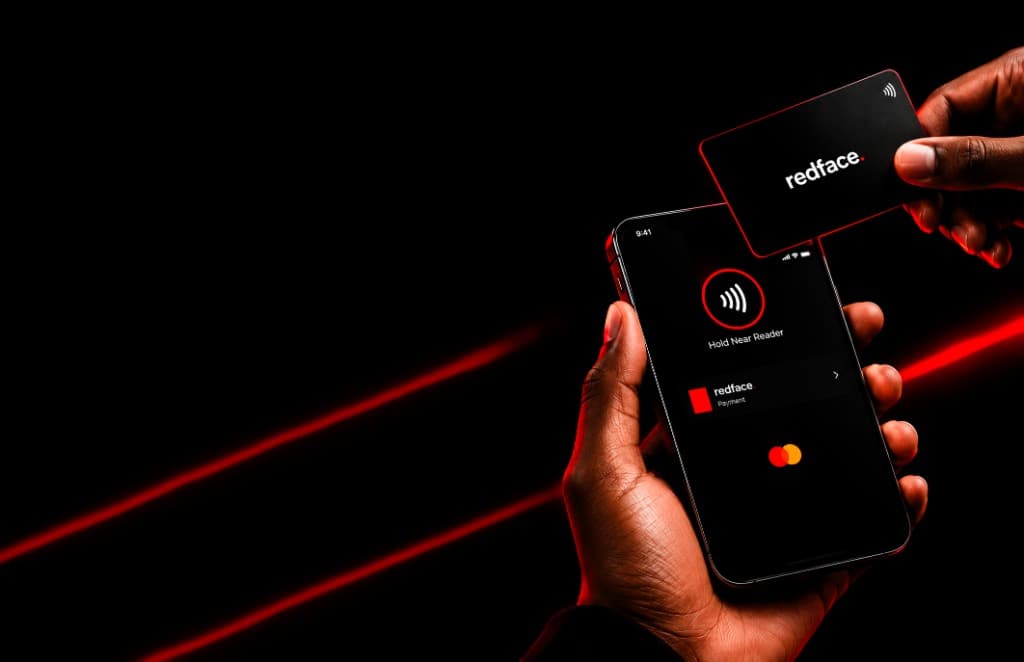
02 · Cards
Tap a card. The next screen shows how it works.
03 · Records
Tap an icon. One card, one action.
Phone supplies the field. The card returns the record.
04 · Setup
You send the brief. We program, brand, and deliver.
You name the action, the face of the card, and the quantity.
We write the tag and tap-test it on a phone before it leaves.
Matte black with the RedFace Pay face, or your mark on the card.
One finished card, or a bulk run, to the address on the order.
Pay on RedFace Pay, or take the quotation and pay that link.
05 · Settlement
Pay now, or ask for the amount first.
Path A
Log the work order, then pay on RedFace Pay.
Continue to payPath B
Tell us the record, the face, and how many. We send the amount.
Request a quotationTalk to us · +27 61 778 0990 · info@redfacepay.co.za · WhatsApp